The Wizard-of-Oz
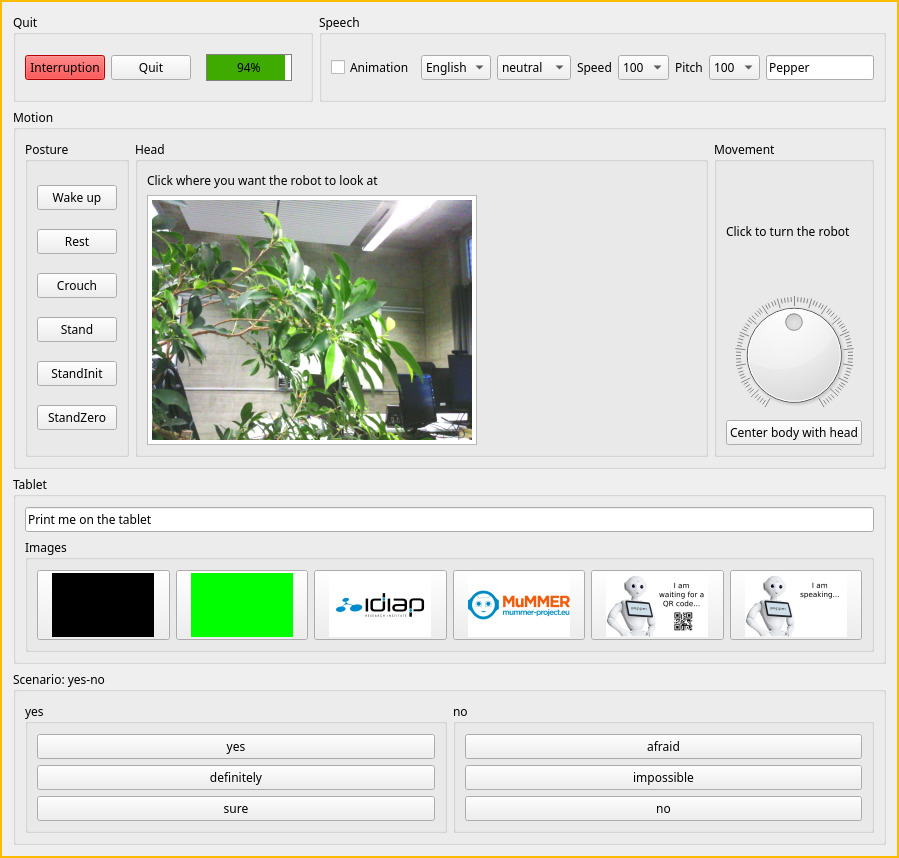
Quick start
The qi_robot_wizard executable launches a GUI to control Pepper.
With no more options on the command line, the GUI offers the possibility to control the speech, the head, to print text on the tablet and to set the robot in the availble predefined postures.
Displaying images (Pepper only)
By providing a folder of images organized the following way:
and running
additional buttons are added to the GUI to display images on the
tablet. The image files are copied on the robot at startup to
/home/nao/.local/share/PackageManager/apps/myapp/html.
Speech buttons
By providing an .ini scenario file with sections (in brackets) and
pairs of button-name: Text to say like the following one:
[yes]

yes: Yes, indeed!
definitely: Definitely yes!
sure: Yes, for sure!

[no]

afraid: I am afraid not!
impossible: Unfortunately, that won't be possible
no: Absolutely not.
and running
additional buttons are added to the GUI to make the robot say the corresponding text.